
Tech News
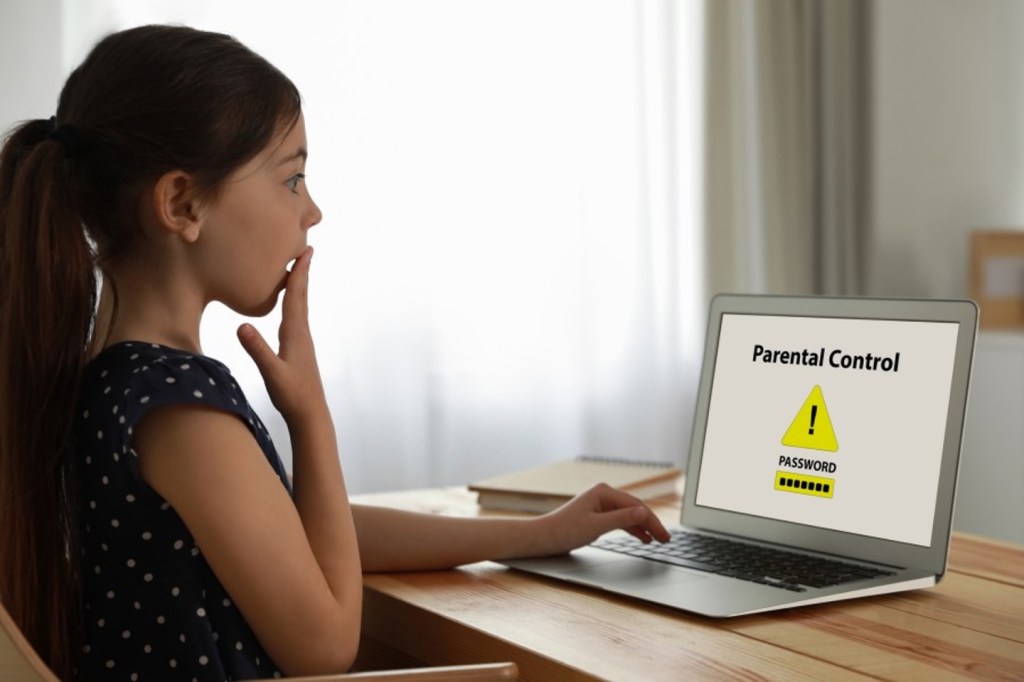
Parental controls are used to manage children’s access to devices and online content, protecting them from harmful or inappropriate material and promote healthy digital habits. They offer features like content filtering, time limits, and monitoring, helping parents balance online safety with their children’s digital exploration. This article suggests useful apps and services to help with keeping the internet safe for children.
Google is adding a new “Parental Controls” option inside Android Settings, where parents can find both built-in controls and Google Family Link.
Families can use Google Family Link for more robust capabilities, like school time, app purchase approvals, location alerts and more — managed directly from a parent’s phone. Google Family Link makes managing multiple kids and devices easy and intuitive. Users can easily switch from built-in controls to Google Family Link.
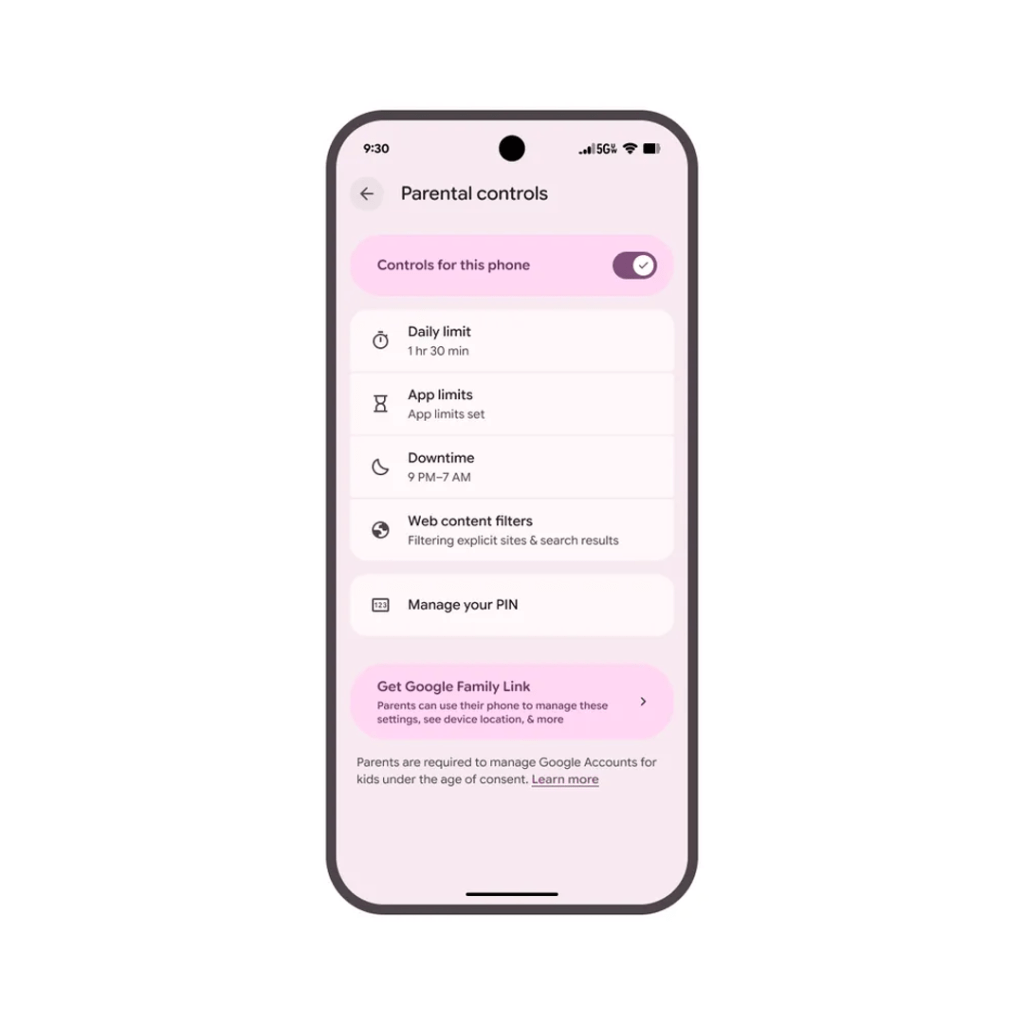
Protected by an easy-to-set PIN, these new, on-device controls can be used to:
- Set screen time limits
- Set time limits for individual apps or block specific apps
- Set downtime schedules, restricting device access at specific times, like bedtime
- Filter out mature content from browsers and search engines like Google Chrome and Google Search
These updates are available today in beta, on a subset of supported devices. Also, when you use Family Link to manage a Google Account for your child, you can set up parental controls on YouTube, giving a supervised experience and YouTube Kids, if available in your location.
Children with supervised YouTube accounts can access these apps and devices:
- YouTube app and website
- YouTube Music app and website
- YouTube app on Sony PlayStation, Microsoft Xbox devices, and Nintendo Switch
- YouTube and YouTube Music through Google Assistant-enabled devices
- YouTube app on eligible smart TVs
Amazon’s Parent Dashboard and Microsoft Family, allow you to set screen time limits, approve or block apps and filter web content.
Amazon Parent Dashboard is a free online tool that allows parents to manage and customize their children’s experience across compatible Amazon devices and the Amazon Kids+ subscription. It provides a central hub for setting parental controls, monitoring activity, and discovering age-appropriate content
If you need more guidance, a paid service like Qustodio to monitor your kids online. Qustodio is a parental control app that helps parents monitor and manage their children’s online activities, including setting screen time limits, blocking inappropriate content, and tracking device locations. It offers various features to ensure a safer digital environment for kids across multiple devices.
Other Parental Control Apps
| App Name | Best for | Device Compatibility | Pricing |
| AirDroid | Monitoring kids’ online & offline activities | Android, iOS, Windows, MacOS | 3-day free trialFrom $9.99 to $59.99 |
| Norton Family | Blocking all but school-approved websites | Android, iOS, Windows | 30-day free trial$49.99 per year |
| Kid Security | Motivating kids to develop healthy habits | Android, iOS | Free plan with limited features7-day free trial for Premium plan$3/month afterwards |
Parental controls are a valuable tool available on most devices and apps. They are designed to help parents manage what content their children can access. There is so much amazing and useful information on the internet. Every child should have access to online resources without being subject to inappropriate content or images.



 What IT Do. How IT Do IT.
Leave a comment